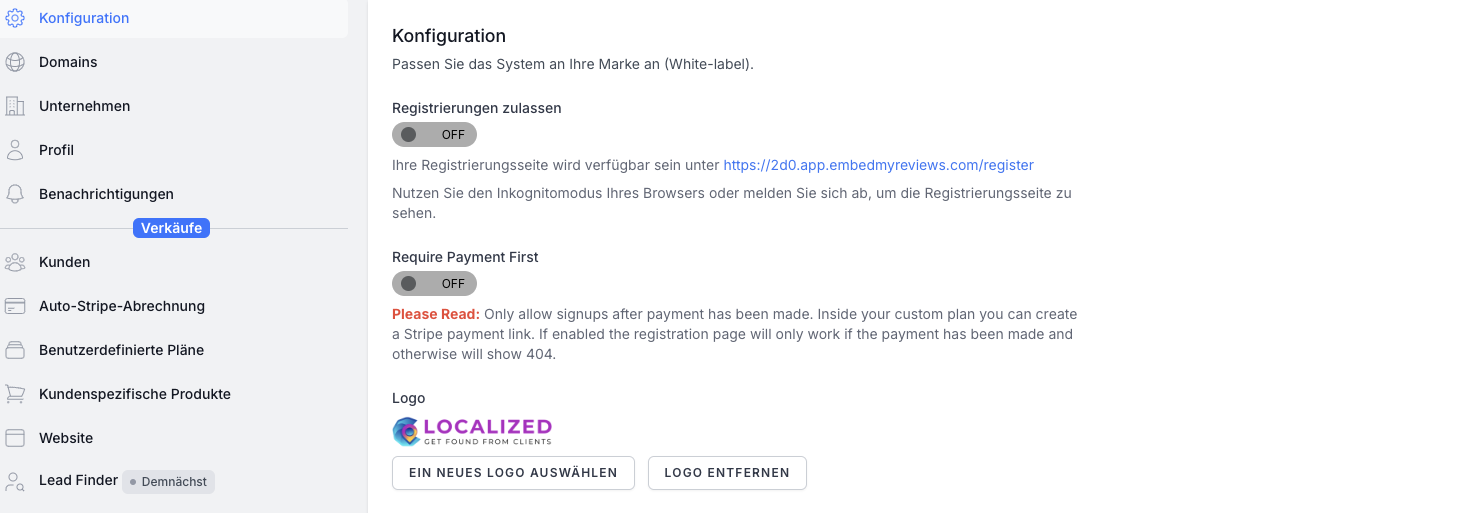
@HEHO87 just logged in and I see the logo without the slogan:
Are you still seeing the old logo?
Heiko Heil
•
Sep 26, 2024
@mannie@embedmyreviews.com Weired - yes i see the old logo. For the moment i will not delete cookies and chache, otherwise i have to login 1h in all tools again - so i will wait at least till tomorrow.
I checked it in another browser and new logo without slogan is there.
Do you maybe want to add a tooltip regarding to cash at this function for other users?
HEHO87
•
Jul 26, 2024
@mannie@embedmyreviews.com seems to work now. Could it be that the change takes time, life you see the new logos but in the settings are a longer time still the old ones
HEHO87
•
Jul 26, 2024
With the favicon is the same bug.
mannie@embedmyreviews.com
Team•
Jul 30, 2024
@Test-Heiko Test-Heil I think this is your browsers cache. When changing favicon it may not be instant because the browser caches the favicon for performance. Try another browser/device.
Log in to comment and vote
Comments8
mannie@embedmyreviews.com
Jul 27, 2024
@Test-Heiko Test-Heil please try again if it still does not work please attach the logo here and I can see if I can upload it.
HEHO87
Sep 26, 2024
Same problem again…
At the moment you click on safe, it shows the old logo again.
Here the logo, i hope if i post it here as picture, you have it in original resolution (in this case 949 × 151px)
HEHO87
Sep 26, 2024
Here the bug: https://www.loom.com/share/dbed32905a87415a9ecd2205c76e2765?sid=bd4d900c-db58-4576-bd20-6325fe42d51a
mannie@embedmyreviews.com
Sep 26, 2024
@HEHO87 just logged in and I see the logo without the slogan:
Are you still seeing the old logo?
Heiko Heil
Sep 26, 2024
@mannie@embedmyreviews.com Weired - yes i see the old logo.
For the moment i will not delete cookies and chache, otherwise i have to login 1h in all tools again - so i will wait at least till tomorrow.
I checked it in another browser and new logo without slogan is there.
Do you maybe want to add a tooltip regarding to cash at this function for other users?
HEHO87
Jul 26, 2024
@mannie@embedmyreviews.com seems to work now. Could it be that the change takes time, life you see the new logos but in the settings are a longer time still the old ones
HEHO87
Jul 26, 2024
With the favicon is the same bug.
mannie@embedmyreviews.com
Jul 30, 2024
@Test-Heiko Test-Heil I think this is your browsers cache. When changing favicon it may not be instant because the browser caches the favicon for performance. Try another browser/device.