New: Add Custom Domains to Feedback forms
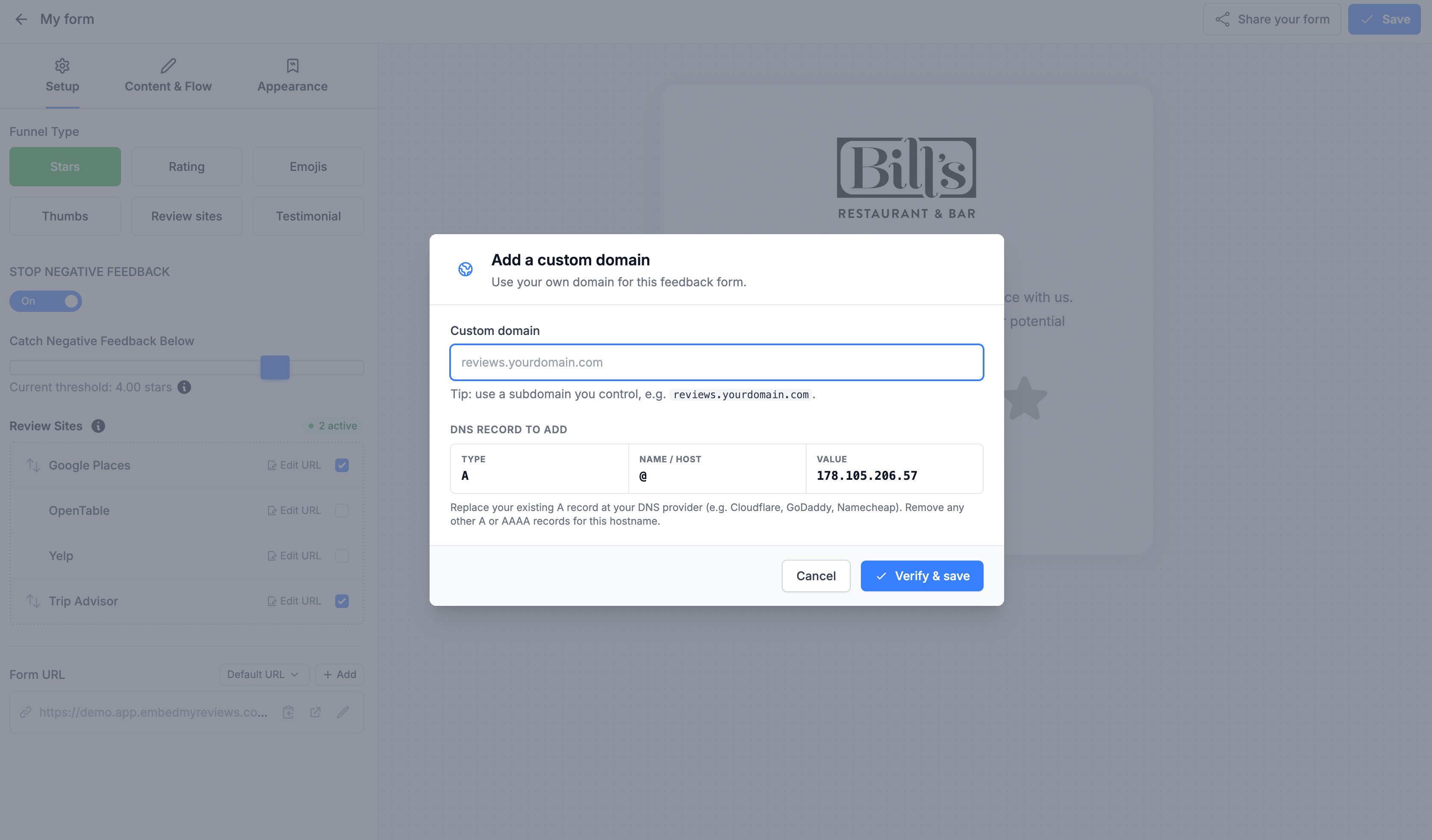
As apart of our ongoing improvements to the platform your customers can now add their own custom domain to the hosted feedback form.
To get started with enabling this feature for your customers go to the custom plan options:
Go to Review Tools
Under Feedback Forms enable the option: “Custom Domain for Feedback Forms“
Click save on plan options

Once this is done you can login as the customer and under Review Tools go to Feedback forms, click edit on the feedback form you want to use a custom domain on and click add under Form URL:

Note: The original URL will continue to work as before, but this gives you the option to allow your customers to use their own address if they wish.