Collect Stripe Payments Before Sign up
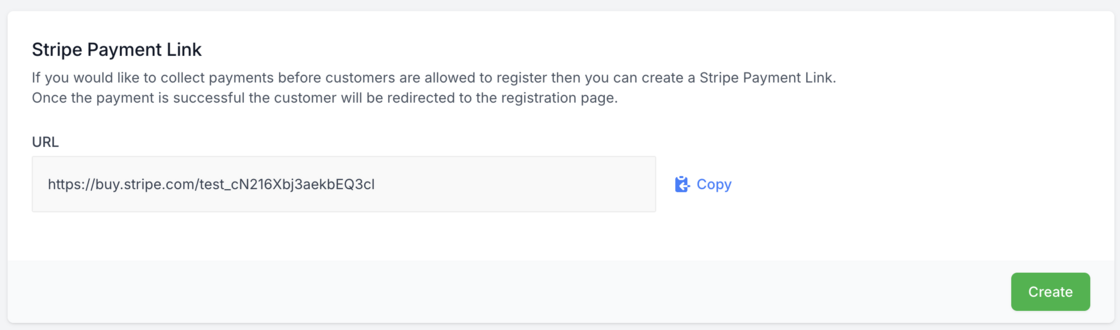
From today you can generate Stripe payment links for your custom plans. These can be used to get customers to pay before they are allowed to register and use the application.
To get started follow the below steps:
Enable "Require Payment First" option by going to Agency -> Configuration. This will stop customers from signing up until they have completed their payment.
Edit your custom plan and go to the Stripe payment links section and click create. Copy the generated Stripe payment link and use this to collect payments from your customers.
Note: If you use our built-in website the pricing links are automatically updated if you have enabled the "Require Payment First" option.